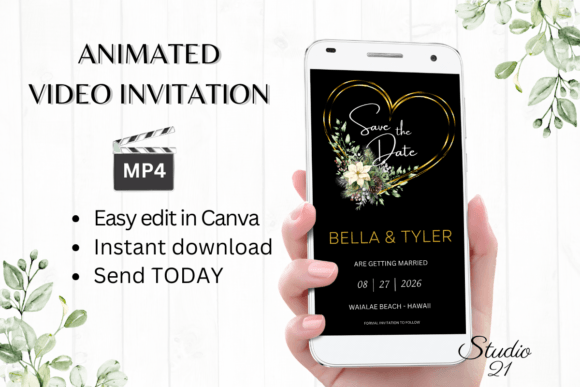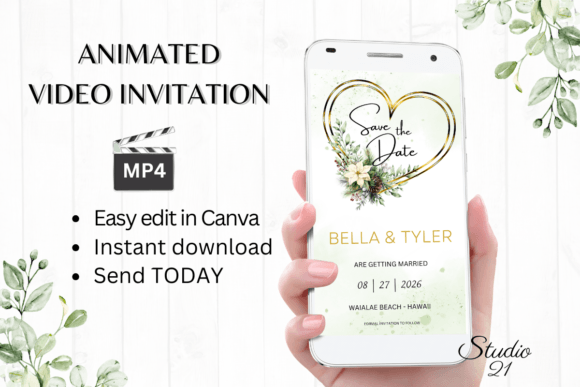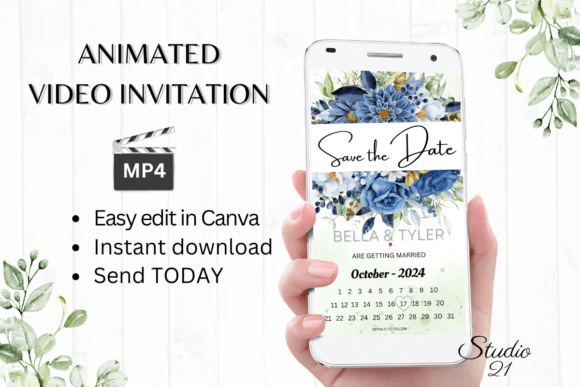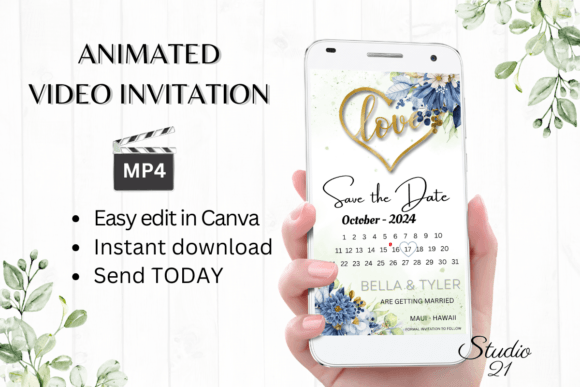
Streamline Your Invitations with Digital Save the Date Announcement W2147
Planning an event usually starts with a burst of excitement, followed immediately by the logistical headache of getting the word out. For modern hosts, the traditional paper route often feels too slow and rigid. This is where the Digital Save the Date Announcement W2147 enters the picture, offering a sophisticated bridge between high-end design aesthetics and the immediate convenience of digital communication. It is not merely a static image; it is a dynamic, animated video template designed for the Canva platform, allowing you to create a polished, motion-driven announcement in minutes rather than days.
The Visual Appeal: Motion and Personality
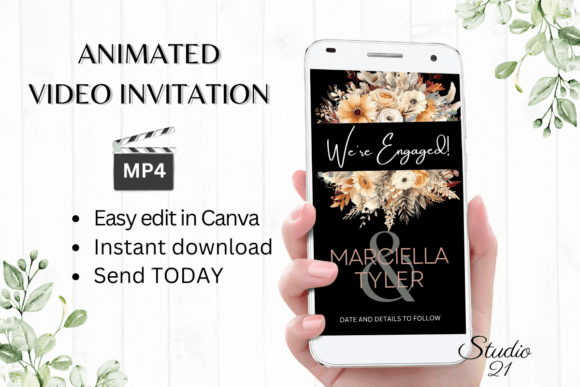
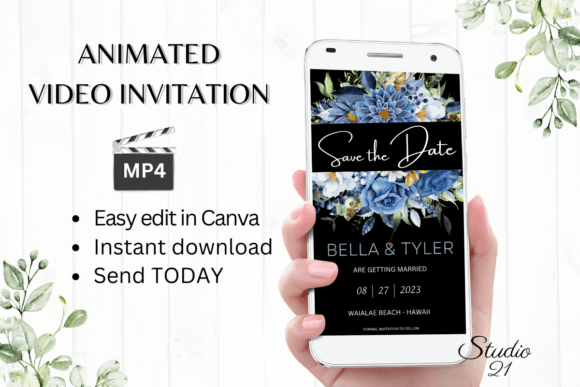
Unlike standard static invitations, the W2147 template leverages animation to capture attention. In a crowded digital inbox or a fast-scrolling social media feed, movement is a powerful tool. This specific template is designed with a modern typography sensibility, balancing clean lines with engaging visual effects. The style leans toward a contemporary aesthetic that feels professional yet personal. It avoids the clutter of overly decorative designs, focusing instead on clear hierarchy and elegant transitions.
The personality of this digital asset is versatile. Depending on your color choices and font selections within Canva, it can project a vibe that is formal and romantic for a wedding, or energetic and fun for a milestone birthday. The animation styles included allow you to control the pacing of the reveal, ensuring that the details of your event unfold in a way that builds anticipation. It serves as a premium font and design experience combined, delivering a high-end look without the custom price tag.
Practical Application: Beyond the Wedding
While "Save the Date" suggests weddings, the utility of the Digital Save the Date Announcement W2147 extends far into the commercial and creative sectors. For small business owners and entrepreneurs, this template is an excellent tool for announcing product launches, open houses, or exclusive sales events. Because the format is a vertical video (1080x1920 px), it is natively optimized for Instagram Stories, TikTok, and Reels—platforms where brand identity needs to be communicated quickly.
Marketers and content creators can utilize this template for webinar announcements or virtual meet-and-greets. The ability to download personalized evite as MP4 file means you are not limited to one platform. You can embed the video in an email newsletter to increase click-through rates or share it directly via WhatsApp and Messenger. The visual consistency provided by the template helps maintain a professional image across all these disparate channels, reinforcing brand perception and recognition.
Design Flexibility and Usability
One of the strongest arguments for using the W2147 template is the democratization of modern typography and animation. Previously, creating a video invitation required software like After Effects and a working knowledge of keyframes. This template removes those barriers. You can change animation styles and change text effects with simple clicks.
The editing options are robust enough for designers yet accessible enough for hobbyists. You have full control over the font style, color & size. If the default script font doesn't match your vibe, you can swap it for a bold sans serif font or a classic serif font. This flexibility ensures that the final output aligns with your specific visual hierarchy needs. You can add or delete text to accommodate extra details like dress codes or registry links, ensuring the design remains uncluttered.
Workflow and Efficiency
Time is a critical resource for entrepreneurs and publishers. The promise of the Digital Save the Date Announcement W2147 is efficiency. Because it is a digital download, there is no shipping wait time. The user guide and Canva instructions provided in the PDF ensure that even those unfamiliar with the platform can navigate the interface quickly.
This workflow eliminates the back-and-forth typically associated with custom design. There is no need to wait for proofs. You edit, preview, and download. This immediacy is vital for time-sensitive announcements. Furthermore, the ability to edit the template at any time means your design assets remain flexible. If a detail changes, you simply open the file, make the adjustment, and re-export. This adaptability is a significant advantage over static print design workflows.
Strategic Considerations for Your Project
When integrating the Digital Save the Date Announcement W2147 into your project, consider how the motion elements guide the viewer's eye. Effective visual hierarchy in animation means the most important information—usually the date and the event type—should be the most prominent. Use the font pairing capabilities to create contrast; for example, a decorative display font for the header paired with a highly legible web design friendly font for the details.
While the template handles the heavy lifting of animation, your choice of imagery and color palette will dictate the final mood. Ensure your color choices align with your existing brand identity if this is for a corporate event, or the wedding theme if it is personal. The template’s structure is designed to support readability, but always preview the video on a mobile device before sending, as that is how the vast majority of your audience will view it. By treating this template not just as a file, but as a strategic component of your communication plan, you ensure that your announcement not only informs but also engages and delights your audience.